

Amotai Introduction – Supplier Diversity Introduction & Kaupapa Amotai helps unlock opportunities for Māori and…
A guide to Copilot and Modern Productivity
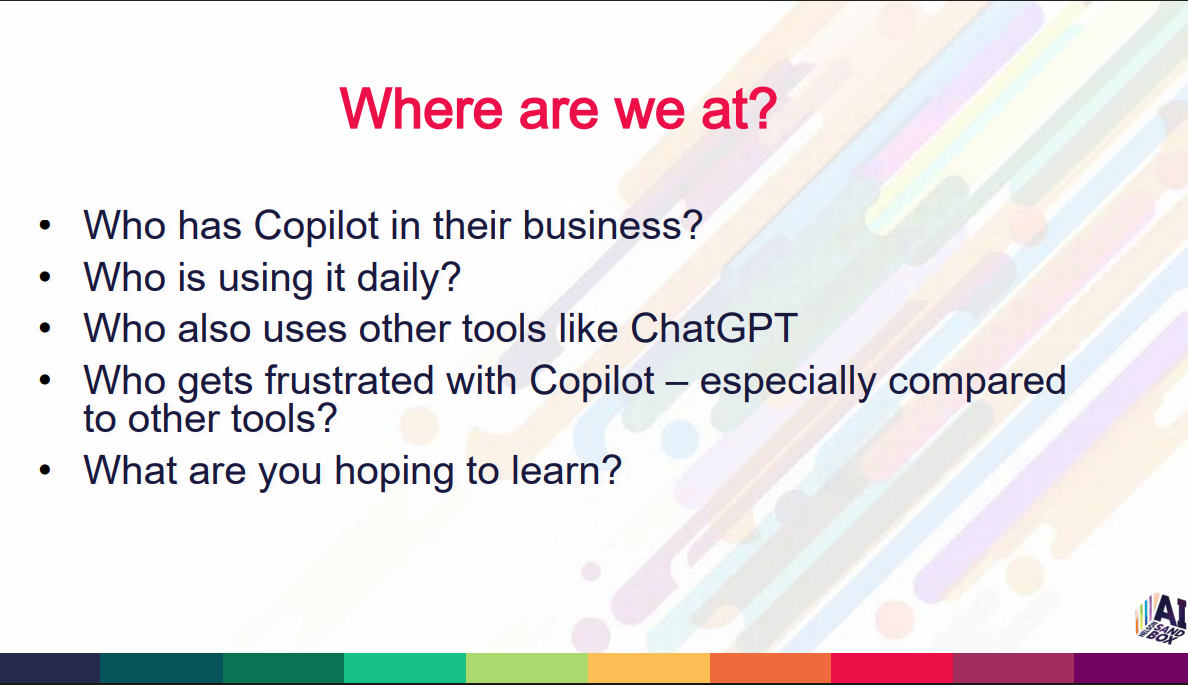
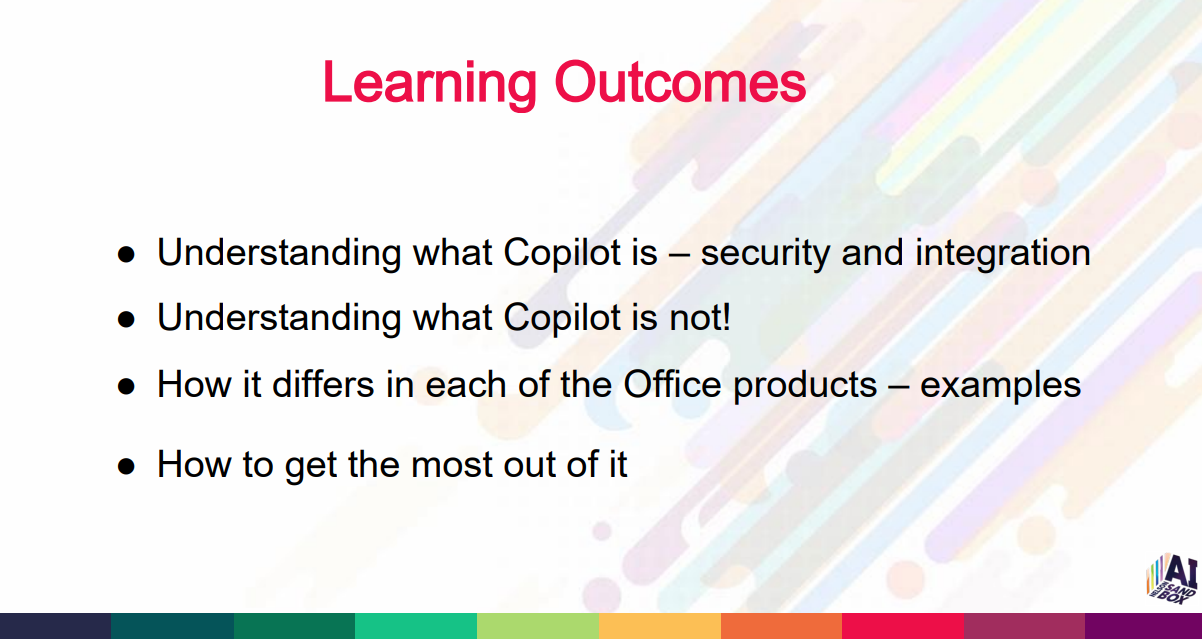
This workshop gave a quick, practical overview of AI and Microsoft Copilot – what it is, how it works, and how to use it effectively. We covered core features, security, and simple prompting techniques to help everyone move from frustration to confidence when using Copilot in everyday work.
Facilitator
Richard Butler – Nelson AI Sandbox
Former owner of Blueberry IT, bringing thirty years of experience in the technology industry and seven years as an executive coach.
Context & Framing
- Each AI release improves rapidly – faster, better, more capable.
- Modern AI like Claude can work at scale, autonomously for long periods.
- People often feel scared/excited simultaneously about AI and the future.
- The environment is rapidly changing.
- Accuracy matters – hallucinations occur, so always double‑check.
- Organisational use must align with rules, policies, regulations, training.
What we learned:
- What AI & Copilot are
- Core concepts
- Integrations in Microsoft 365
- Security and boundaries
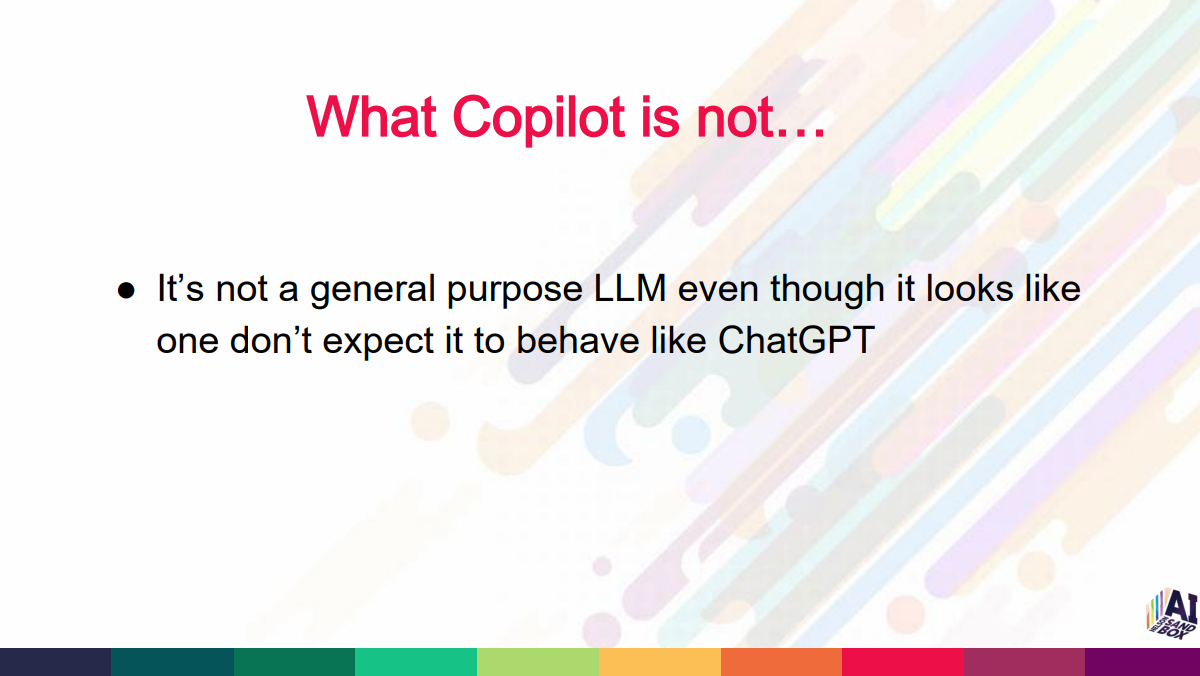
- What they are not
- Myths, misconceptions
- Differences between general LLMs and Copilot
- What to expect from Copilot
- Realistic vs unrealistic expectations
- How to get the most out of it
- Practical prompting
- Use cases in each M365 app
AI Concepts – Key Points
- AI models like Copilot are LLMs (Large Language Models).
- They are fed enormous amounts of data, learn patterns, and predict the next likely word/phrase
- Even developers don’t fully understand what happens in the “middle” – emergent behaviour.
- Pathway: Narrow AI → General Intelligence → Superintelligence.
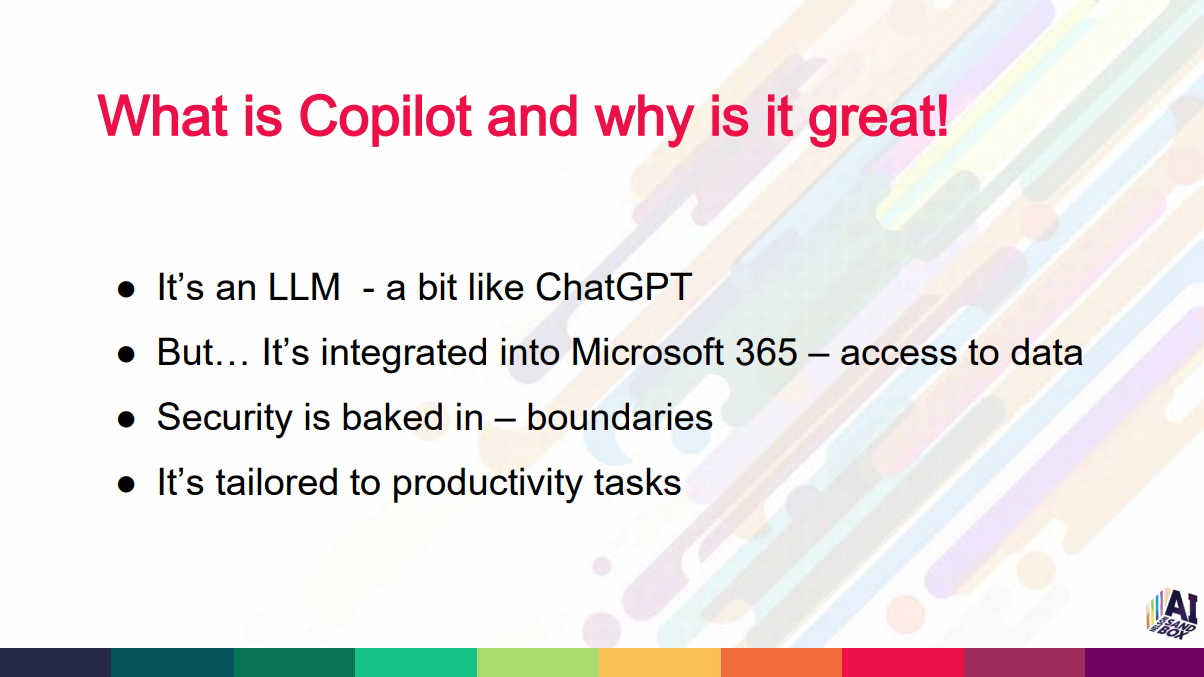
Microsoft 365 Copilot – What It Is
- Integrated directly into Microsoft 365 apps.
- Has secure access to your documents, emails, chats, calendar, etc.
- Designed specifically for productivity (not a general AI like ChatGPT).
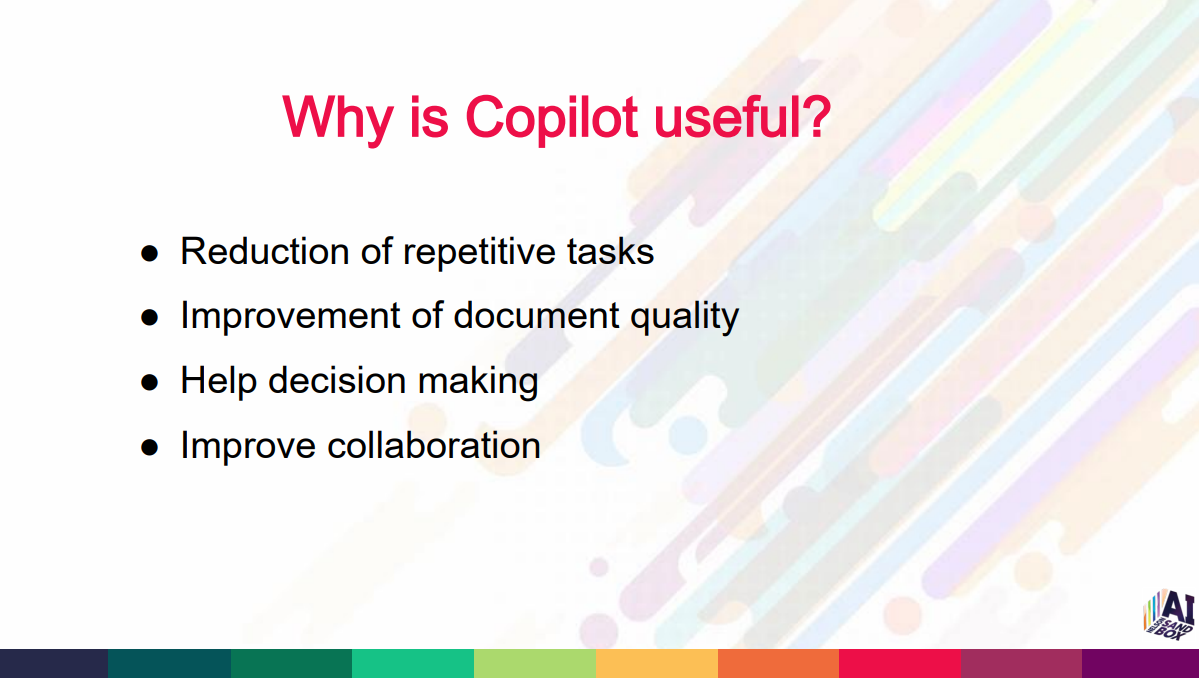
- Reduces repetitive tasks.
- Improves quality of work and supports decision-making.
Security & Trust
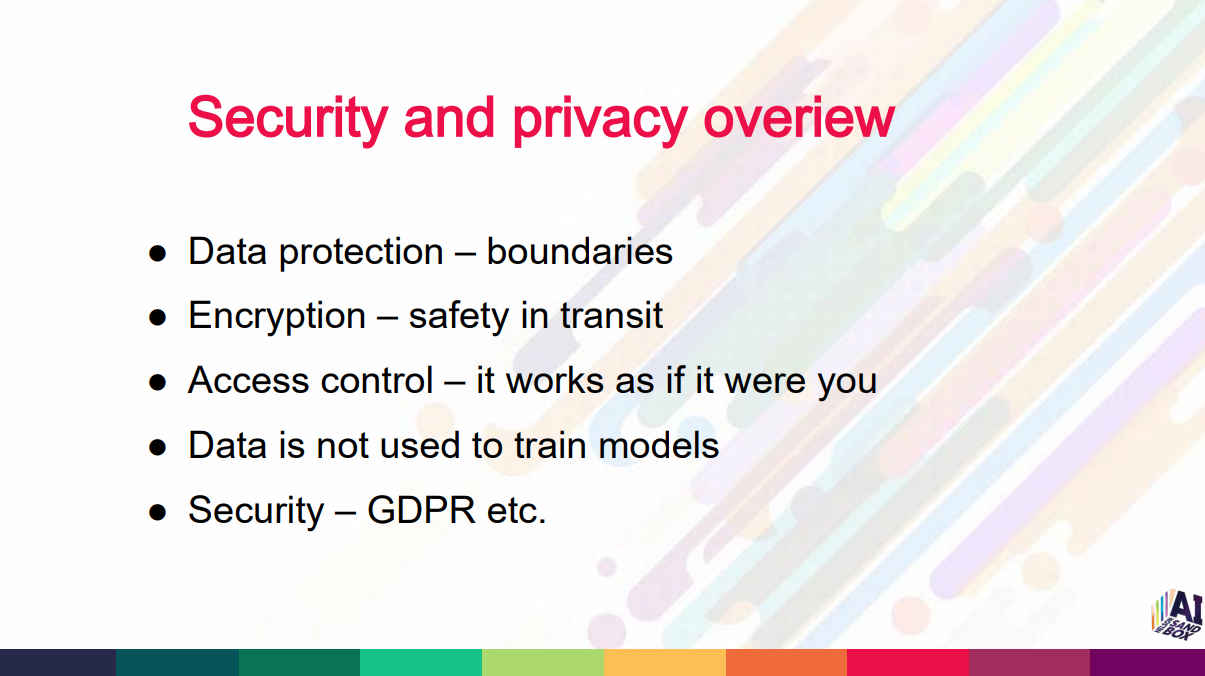
- Strong data protection and encryption.
- Uses your existing permissions – works as you.
- Respects access restrictions:
- If you can’t access it, Copilot can’t either.
- Your data is not used to train the model.
- Avoid free models for sensitive work.
- Compliant with major standards (e.g., GDPR, HIPAA).
Prompts & Interaction Quality
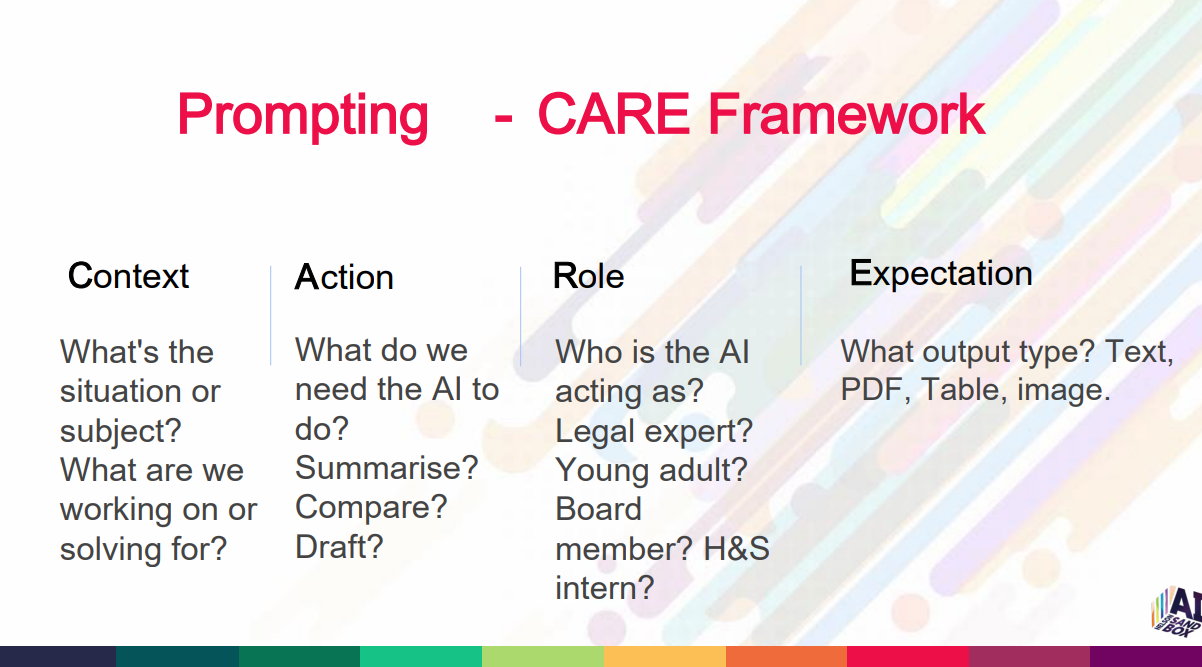
Use the C.A.R.E. Framework:
C – Context
Give background and purpose.
A – Action
Tell Copilot what to do.
R – Role
Specify the role you want it to take.
E – Expectation
Define the output format, tone, level.
Best practices
- Add examples – more detail = better output.
- Ask what to do next if unsure.
- Request simple steps or summaries.
- You can directly ask Copilot how to use itself.
Application‑Specific Capabilities
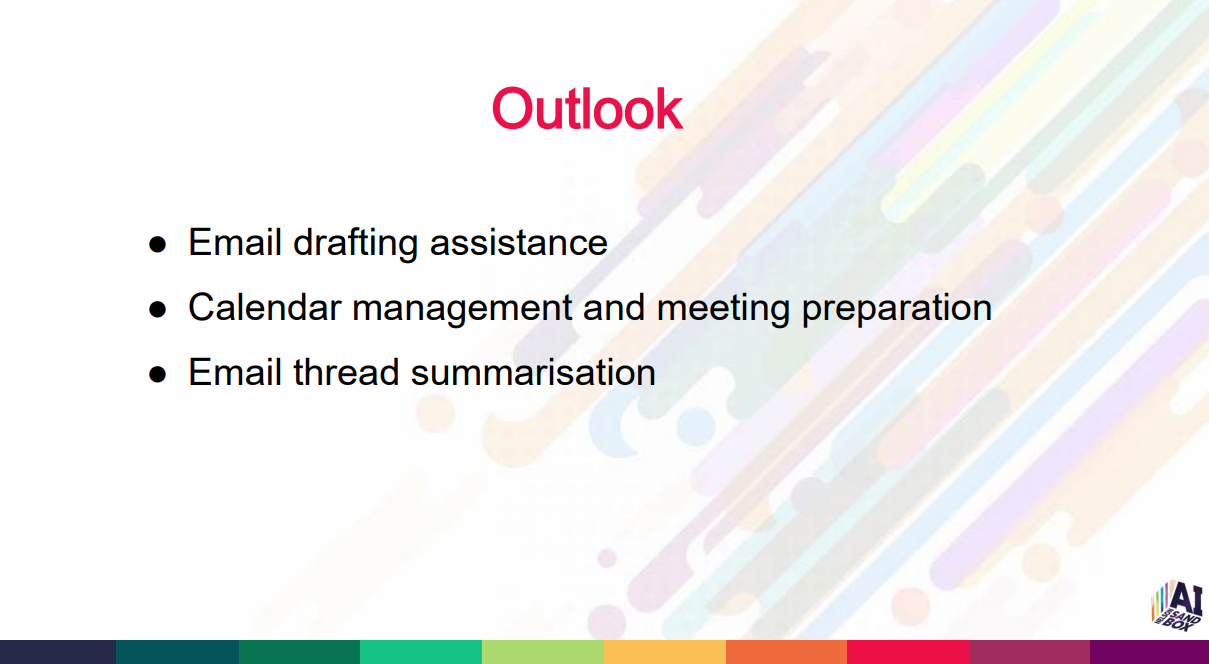
Outlook
- Drafting emails.
- Summarising long threads or the entire inbox.
- Meeting preparation.
- Identifying urgent items.
- Searching across all mail.
- Scheduling tasks from context.
Calendar
- Drafting meeting requests
- Suggesting questions
- Preparing background summaries
SharePoint
- Deep content search across files, Teams, Outlook
- Helpful when Outlook search fails
- Copilot works in the cloud, so results are broad.
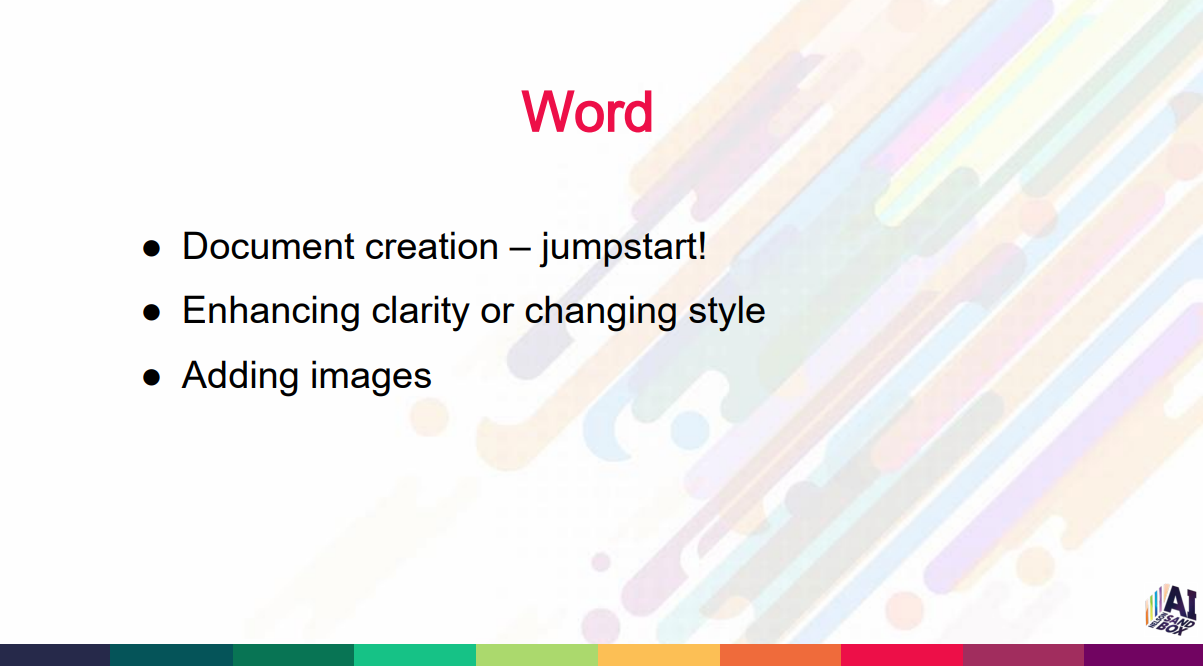
Word
- Draft documents from prompts.
- Improve clarity, tone, structure.
- Insert images.
- Create templates.
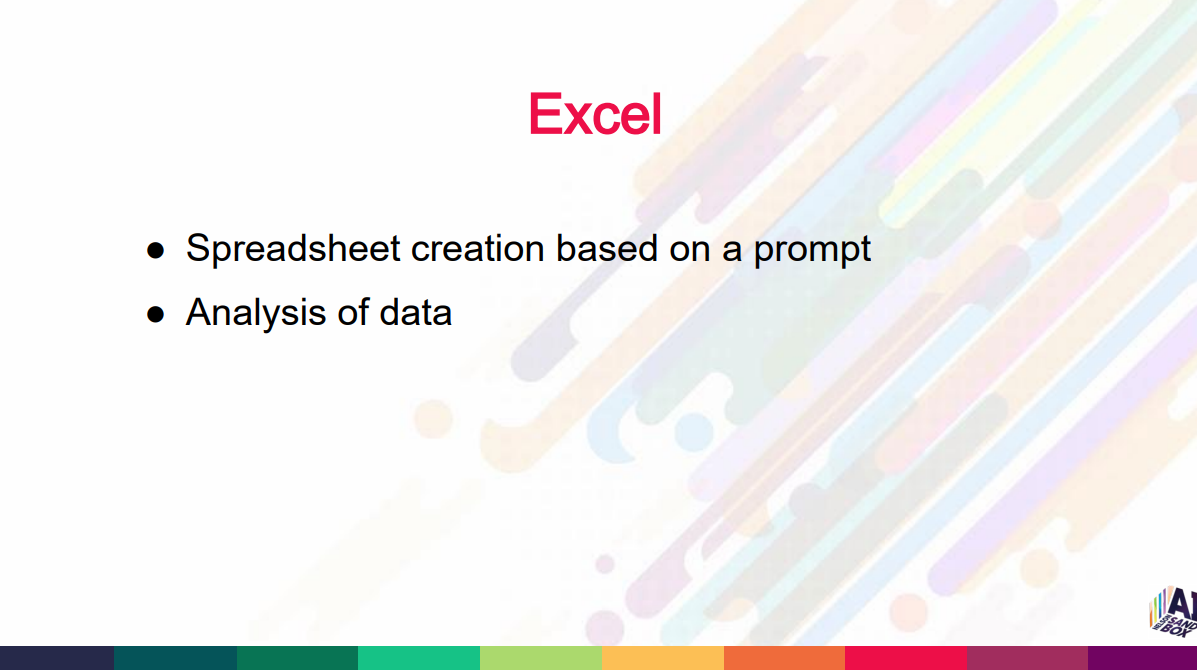
Excel
- Generate spreadsheets.
- Summaries and insights.
- Write formulas.
- Identify trends and key points.
- Proofreading and editing.
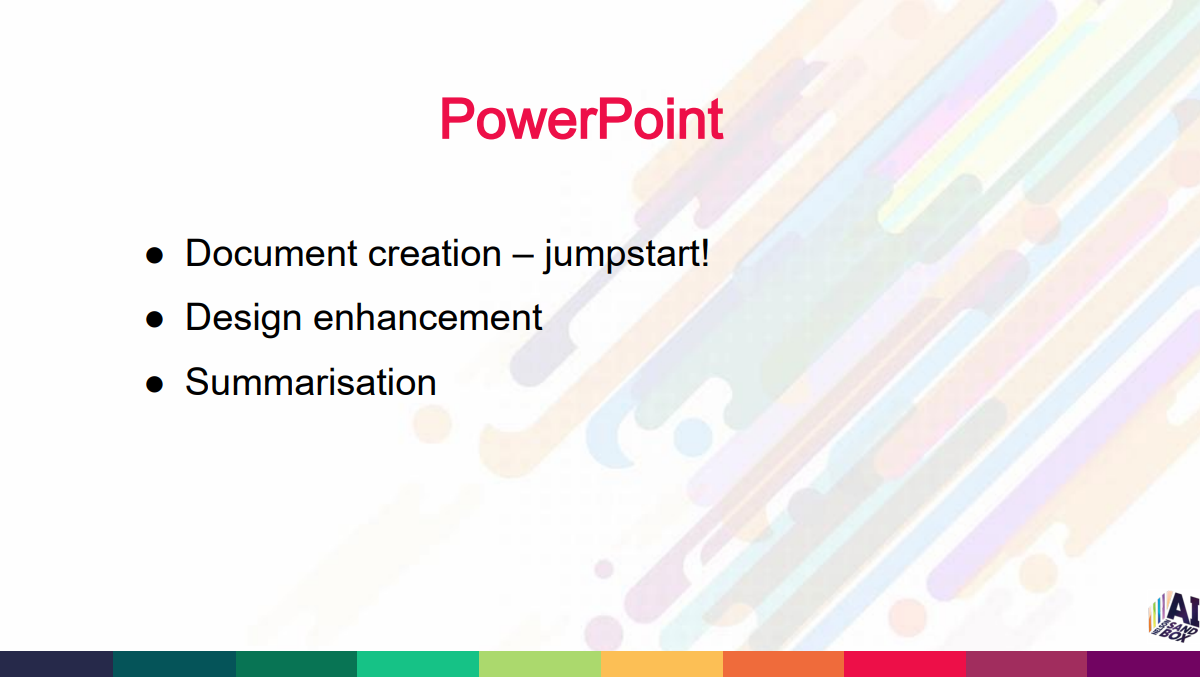
PowerPoint
- Create presentations from prompts or documents.
- Enhance design.
- Summarise long reports into slides.
Teams
- Meeting summaries.
- Action items.
- Follow‑ups.
- Better results when you ask specific questions.
Copilot App
- Workspace-aware general assistant.
- Knows the difference between Work and Web modes.
- Can compare documents.
- Create images.
- Work mode keeps all data internal; web mode searches the internet.
Copilot Agents
-
Copilot Agents are specialised, automated AI helpers you create inside Microsoft Copilot Studio to perform ongoing tasks, answer questions, or support your team using the information and rules you give them.
- HAR policy agent
- Knowledge agent (SharePoint-based, live data)
- Compliance & Risk agent
Capabilities
- Load documents and use only those as its knowledge base.
- Share agent links across organisation – scoped to specific people or everyone.
Common Issues to Expect
- Sometimes outputs are unexpectedly “dumb”. Just retry.
- Ask more specific questions if responses feel generic.
- Clarify and refine when needed.
What’s Next for Organisations
- AI Policy – usage, safety, approvals.
- AI Strategy – roadmap, goals, value.
- Business Readiness Assessment – people, process, data.
- Talk to professionals – governance, security, deployment.
For more information or questions related to AI you can contact: storefront@aisandbox.org.nz
Related Posts